---
title: Choosing a modality
description: "Voice or text: what each modality can do, where it can be deployed, and why the choice is made once, at creation."
---
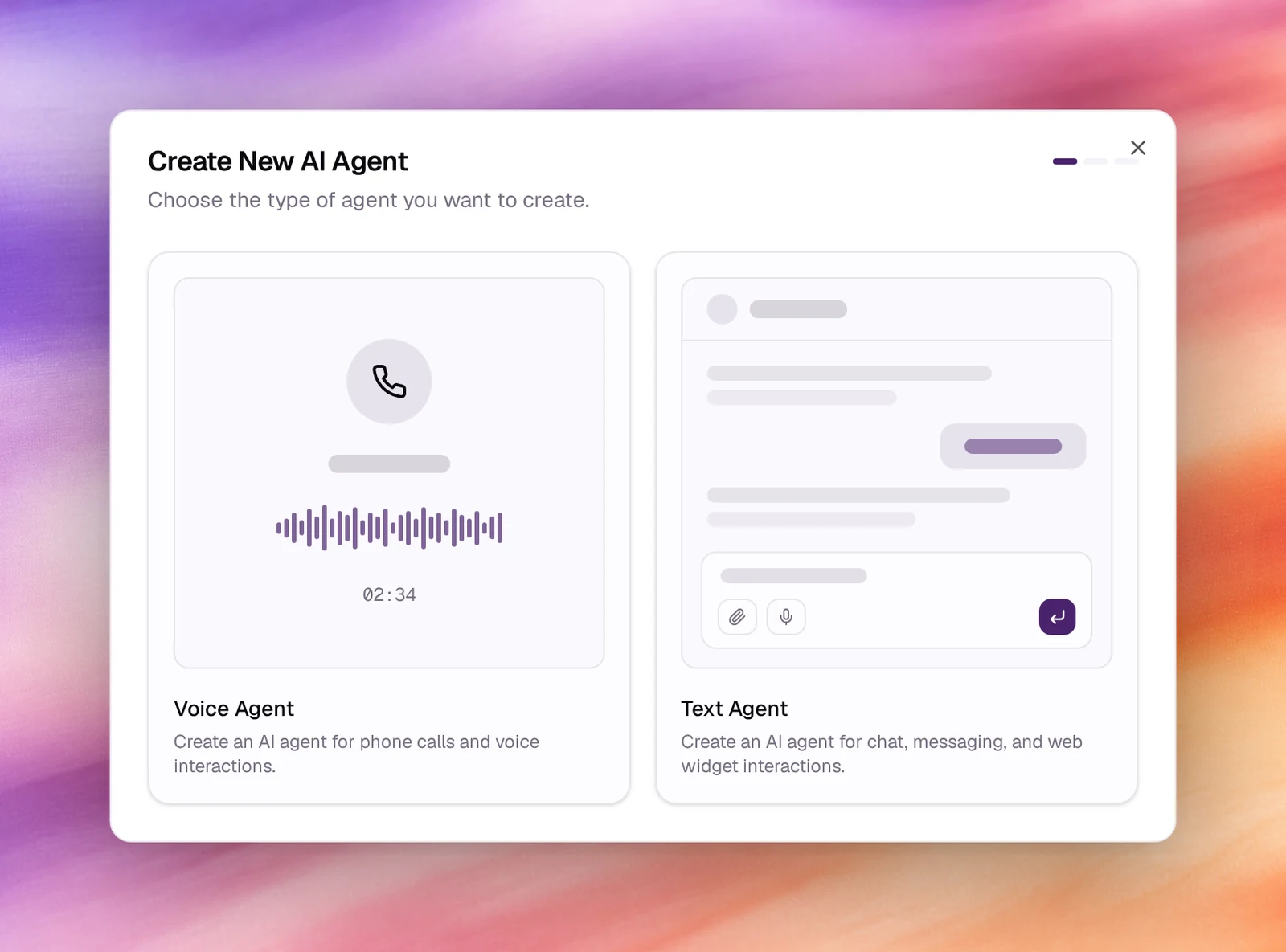
An agent is either a **Voice Agent** or a **Text Agent**. You choose on the first
screen of **Create Agent**, and the choice cannot be changed afterwards: the two
kinds have different settings, different tests and different channels.
:::warning[Fixed at creation]
There is no switch between voice and text on an existing agent. If you need both,
create two agents and reuse the prompt with **Generate With AI** or by copying the
three prompt fields.
:::
## Voice agents
For phone calls and voice interactions. A voice agent has a language, a voice and
optional background audio, a first message, its models under **Model controls**,
and the whole speech pipeline under **Advanced**. It is tested with **Call**, and
reaches people through
[phone numbers](/deploy/phone-numbers/overview),
[campaigns](/deploy/campaigns/create-an-outbound-campaign) and the
[web call widget](/deploy/widget-and-embed/widget-designer).
## Text agents
For chat, messaging and web widget interactions. A text agent has a language and a
**Model** (the LLM that answers) instead of a voice, and no speech pipeline. It is
tested with **Chat** and reaches people through
[bot deployments](/deploy/bot-deployments/overview) to Slack, Telegram, Microsoft
Teams, WhatsApp and Discord, and the [chat widget](/deploy/widget-and-embed/widget-designer).
## Side by side
| | Voice agent | Text agent |
|---|---|---|
| Chosen in the wizard as | **Voice Agent** | **Text Agent** |
| Answers with | A voice from the voice picker | A model from the **Model** picker |
| First message | **Who talks first** and **First message** | The person writes first |
| Speech pipeline | Voice activity, turn detection, noise reduction, AMD, reminders | None |
| Tests | **Call** | **Chat** |
| Channels | Phone numbers, campaigns, call widget | Bot deployments, chat widget |
| Records | Calls under **Call Logs** | Conversations under **Conversations** |
| Privacy | Retention, PII redaction, storage destination, memory | The same |
Both modalities share the prompt fields, tools, dynamic variables, outcomes,
evaluations, the launch checklist and versions.
## Which one
- Someone will dial a number or receive a call: voice.
- Someone will type in Slack, Teams, WhatsApp, Telegram, Discord or a chat bubble on a
web page: text.
- You want the same assistant in both places: two agents, one prompt.
## Related
- [Choosing a prompt type](/build/choosing-a-prompt-type)
- [Anatomy of an agent](/build/anatomy-of-an-agent)
- [Quickstart: your first voice agent](/get-started/quickstart-voice-agent)
- [Quickstart: your first text agent](/get-started/quickstart-text-agent)
- [Picking a channel](/deploy/picking-a-channel)