---
title: Background audio
description: "Play an ambient soundscape behind the agent's voice so a call sounds like it comes from a place: the Background audio setting and its six options."
---
Voice agents
**Background audio** in the **General** card of **Settings** mixes an ambient sound
under the agent's voice for the whole call. It makes a synthetic voice sound
situated, like a person in an office or a call centre, and covers the silence while
the agent thinks.
:::tip[When to use it]
Use it on lines where dead air between turns is noticeable. Leave it on **None**
when the caller side is already noisy, or when recordings are reviewed for quality
and clean audio matters more.
:::
## Configuring it
1. Open the agent on **Settings**.
2. In **General**, open **Background audio**.
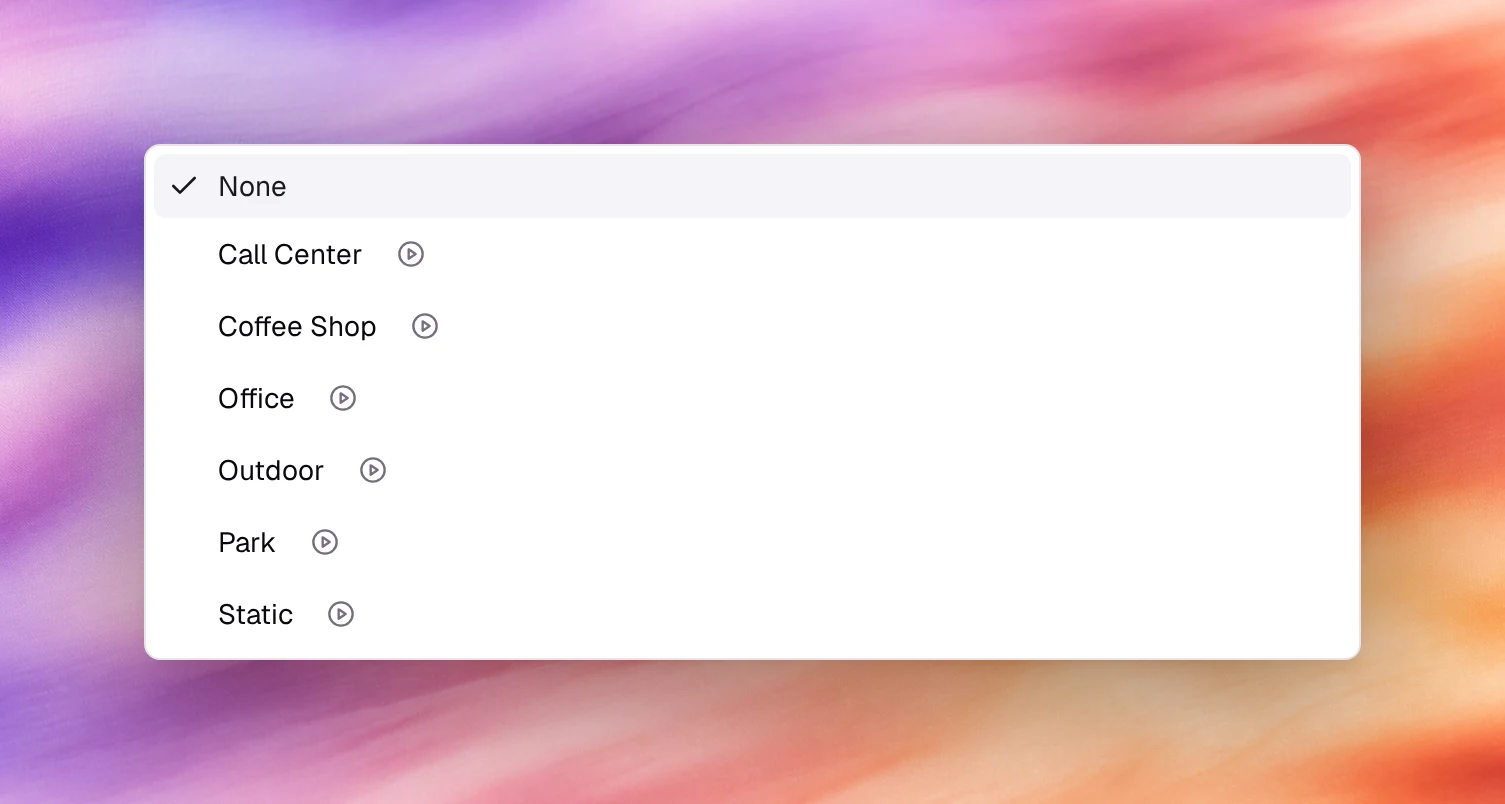
3. Choose **Preview** next to an option to hear it, then click the option.
4. **Save**.
## Options
| Option | Sounds like | Use for |
|---|---|---|
| **None** | Silence between turns | Default. Recorded lines, quality review |
| **Call Center** | Distant keyboards and other agents | Support and sales lines |
| **Coffee Shop** | Cups, murmur | Casual brands, appointment reminders |
| **Office** | Quiet room tone | Reception, professional services |
| **Outdoor** | Open air, traffic | Field services |
| **Park** | Birds, wind | Leisure and hospitality |
| **Static** | Faint line noise | Making a very clean voice sound like a phone |
## Behaviour and limits
- The audio is mixed on the agent's side and sent to the caller; it is not heard by
the agent's speech recognition and does not affect
[noise suppression](/build/voice-and-audio/noise-suppression), which works on the
caller's audio.
- It is present in recordings under **Call Logs**.
- There is no volume control; pick the soundscape by how loud it is in the preview.
- It plays for the whole call, including the first message and during transfers
until the call leaves the agent.
## Verify
Start a call under **Testing**, **Call**. The soundscape is audible under the first
message and in the gaps between turns.
## Related
- [Choosing a voice](/build/voice-and-audio/choosing-a-voice)
- [Noise suppression](/build/voice-and-audio/noise-suppression)
- [Call details](/operate/call-details)