

API keys
The company API key for accessing Callab programmatically, and what the page shows before one exists. Settings > API Keys.
Settings > API Keys holds the one key your company uses to reach Callab programmatically. There is a single key per company, shared by every workspace and member; it is not per user.
The page
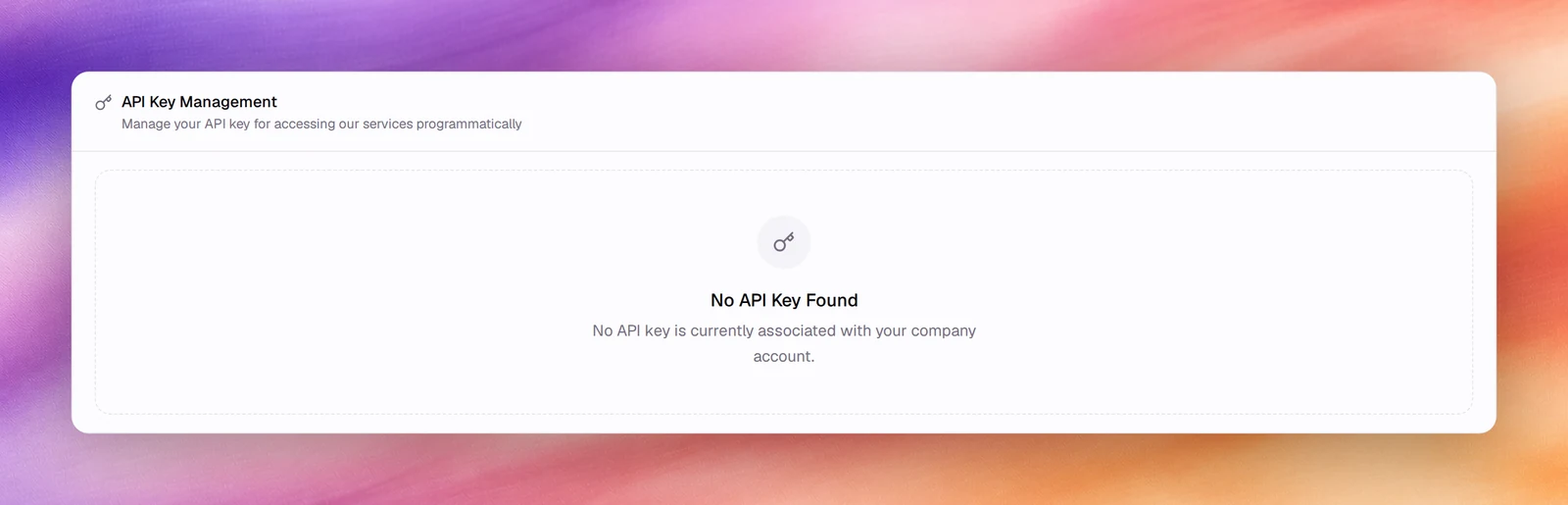
API Key Management shows the key once one exists, under Your API Key, masked until you choose Show API Key. Copy puts it on the clipboard. A new company sees the empty state, No API Key Found, with the note that no API key is currently associated with your company account.
Keep it safe
The key acts as the whole company. Store it in a secrets manager, never in a browser, a spreadsheet or a chat message. The page is open to every member, not only owners and admins, so anyone you add under Members can read the key.