

Deploy to Discord
Serve a Discord server with a text agent that answers mentions, threads and direct messages, using a bot from the Discord Developer Portal.
Text agentsA Discord deployment serves a Discord server in mentions, threads and direct messages. Members mention the bot in a channel, continue in a thread, or DM it, and each thread or DM is one conversation for the agent.
Create the deployment
Start the wizard
Under Launch AI Text choose New Deployment, then Discord. Picking it moves the wizard straight on to the agent.
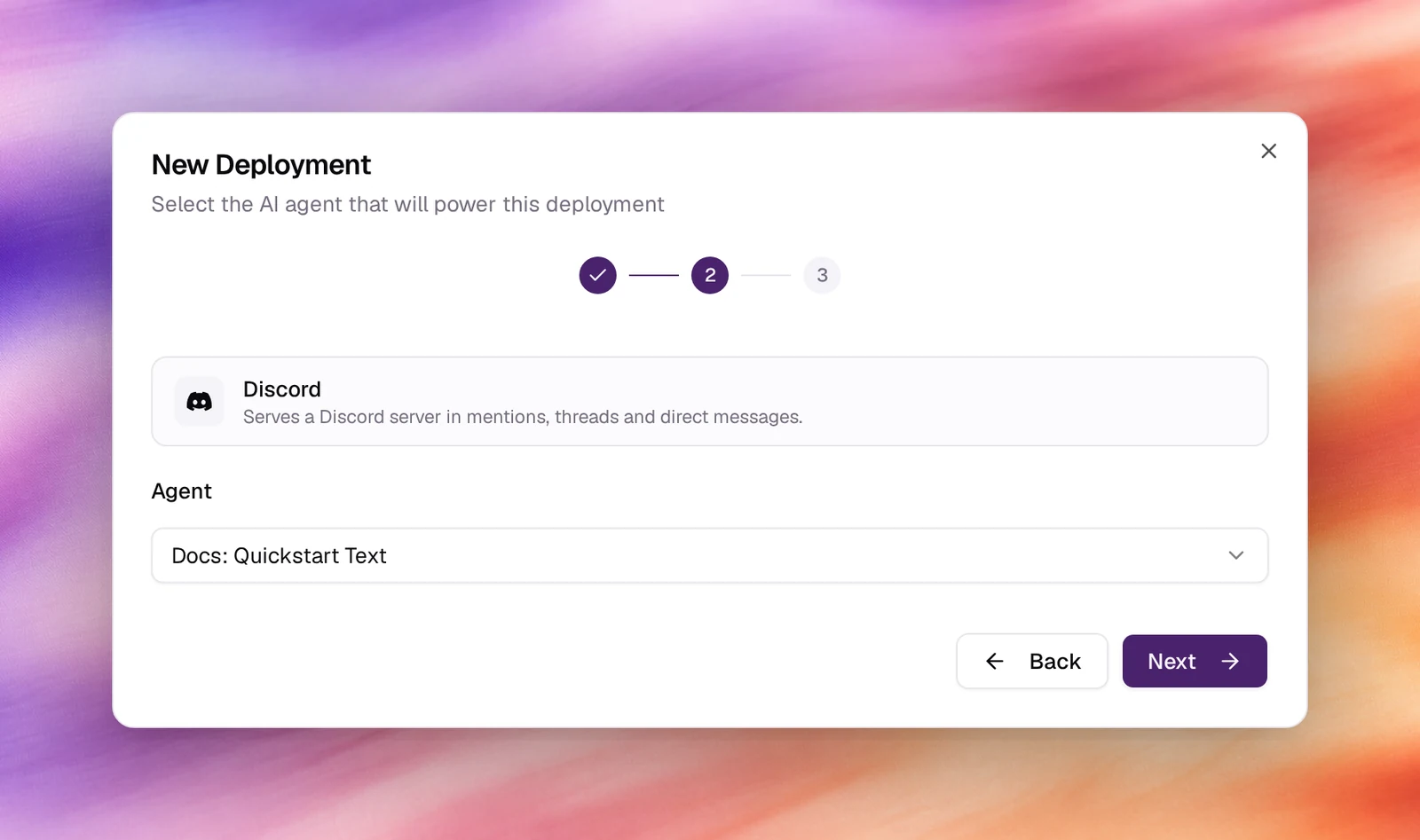
Pick the agent
Choose the text agent under Agent. Next.
Name it
Accept or edit the Display Name, then Create Deployment. The deployment is listed as Needs setup with a Webhook URL.
Connect Discord
Open the deployment and enter the bot token, the application id and the public key from the Developer Portal. In the portal, set the application’s Interactions Endpoint URL to the deployment’s Webhook URL, and under Bot enable the Message Content Intent so the bot can read the text of messages that mention it.
Generate an invite URL with the bot scope and the Send Messages, Read
Message History and Create Public Threads permissions, open it, and add the
bot to the server.
Verify
- The deployment shows Active.
- Mention the bot in a channel or DM it. The agent replies and the exchange is
listed under Conversations with the platform
discord.
Troubleshooting
- The portal rejects the endpoint URL. Discord sends a signed ping; the deployment needs the public key saved before the URL is set.
- The bot is online but silent. The Message Content Intent is off, or it lacks permission to post in that channel.
- It answers in the channel, not a thread. Reply inside the thread it opened to keep one conversation; a fresh mention in the channel starts a new one.