

Deploy to Slack
Run a text agent as a Slack app answering in channels, threads and DMs: create the deployment, then connect its bot token, signing secret and event URL.
Text agentsA Slack deployment runs a text agent as a Slack app: it answers in channels, threads and direct messages across a Slack workspace. People message the bot directly, mention it in a channel, or reply in a thread it is part of, and each thread becomes one conversation for the agent.
Create the deployment
Start the wizard
Under Launch AI Text choose New Deployment, then Slack. Picking it moves the wizard straight on to the agent.
Pick the agent
Choose the text agent under Agent. Next.
Name it
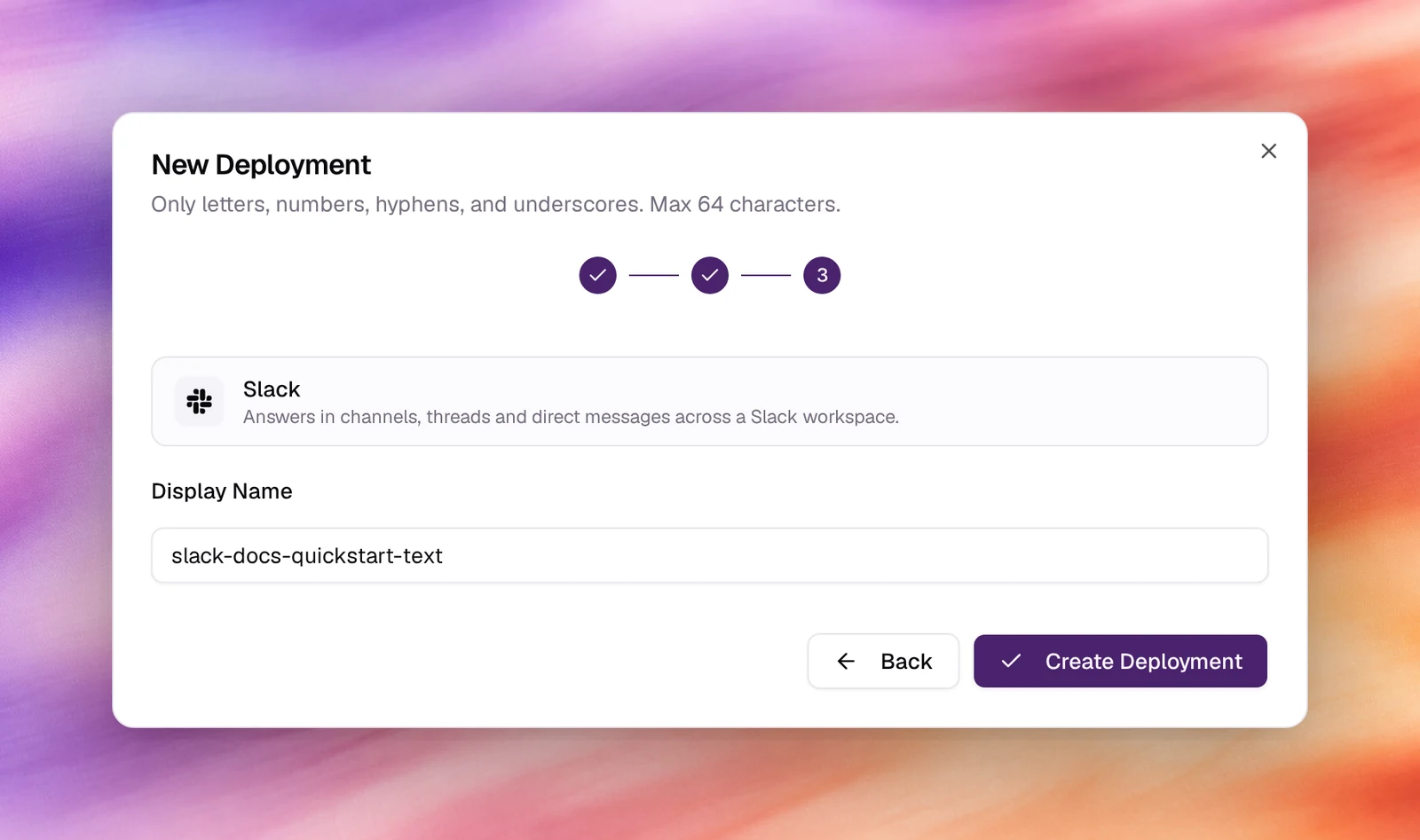
Accept or edit the Display Name (letters, numbers, hyphens, underscores, up to 64 characters), then Create Deployment. The deployment is listed as Needs setup with a Webhook URL.
Connect Slack
Open the deployment from the list to finish it. On the Slack side, create an app for the workspace and collect what the deployment asks for; a Slack app provides:
- a bot token (it starts with
xoxb-) issued when the app is installed to the workspace, with scopes to read messages it is sent and to post replies:app_mentions:read,chat:write,im:history,im:read,im:write,channels:historyandgroups:historycover channels, threads and DMs; - the app’s signing secret, which the deployment uses to verify that requests come from Slack;
- an Event Subscriptions request URL, which is where the deployment’s
Webhook URL goes, subscribed to
message.im,app_mentionand the channel message events.
Enable Messages Tab under the app’s App Home so people can DM the bot, then install the app and invite the bot to the channels it should answer in.
Verify
- The deployment shows Active under Launch AI Text and counts under Active in the tiles.
- Send the bot a direct message in Slack. It answers with the agent’s first
message or a reply, and the exchange appears under Conversations with the
platform
slack.
Troubleshooting
- Slack rejects the request URL. Slack sends a challenge when you save the URL; the deployment must exist and hold the signing secret first. Save the credentials in Callab AI, then the URL in Slack.
- The bot answers DMs but not channels. It was not invited to the channel, or
the channel history scopes are missing. Invite it with
/inviteand reinstall the app after adding scopes. - Replies go to the channel instead of the thread. The bot answers where it was addressed; mention it inside the thread to keep the conversation there.