

Deploy to Telegram
Run a text agent as a Telegram bot in direct messages, groups and channels, with a token from BotFather and nothing else to host.
Text agentsA Telegram deployment runs a text agent as a Telegram bot: it runs as a Telegram bot in direct messages, groups and channels. Each chat with the bot is one conversation for the agent.
Create the deployment
Start the wizard
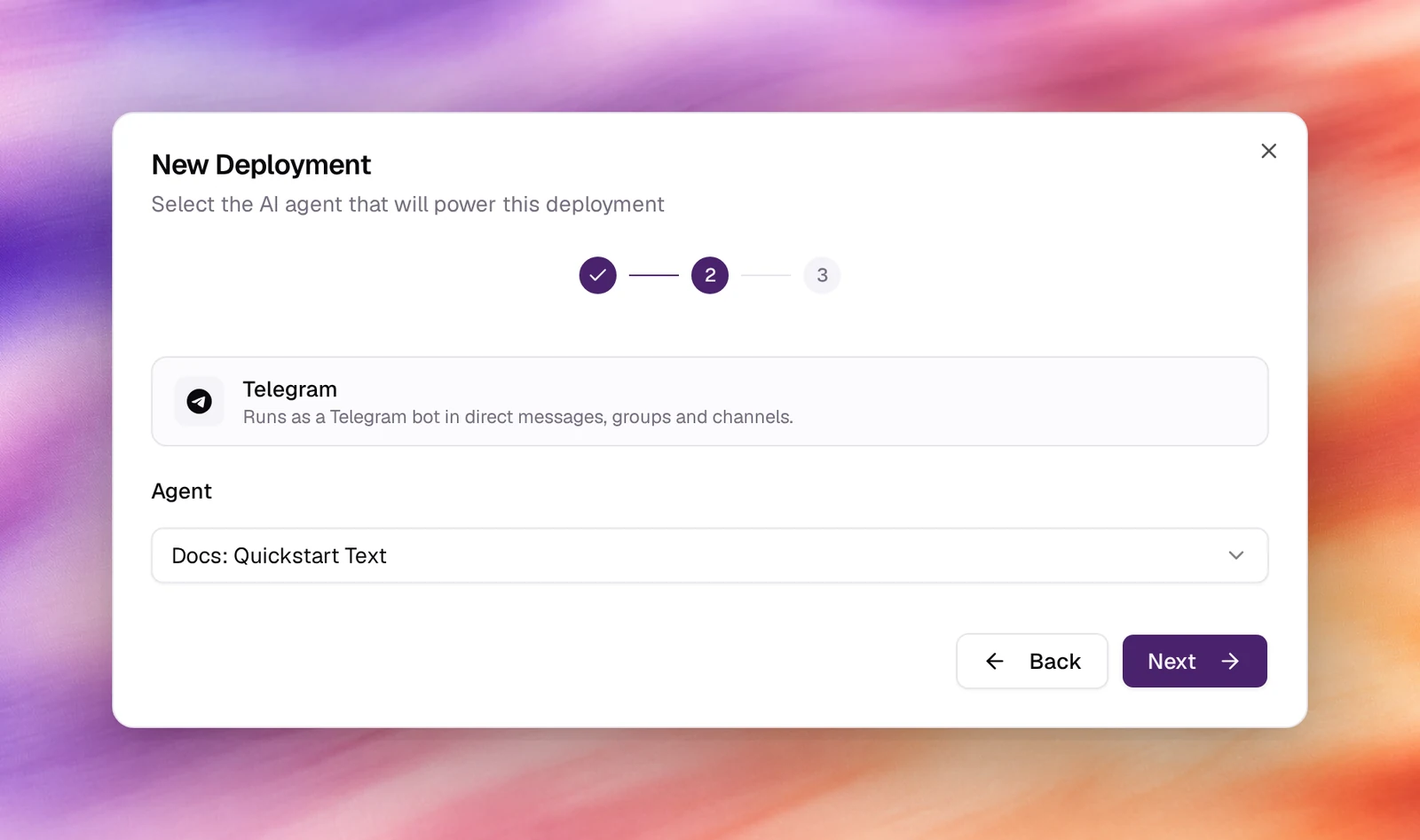
Under Launch AI Text choose New Deployment, then Telegram. Picking it moves the wizard straight on to the agent.
Pick the agent
Choose the text agent under Agent. Next.
Name it
Accept or edit the Display Name, then Create Deployment. The deployment is listed as Needs setup with a Webhook URL.
Connect Telegram
Open the deployment from the list and enter the bot token BotFather issued. Telegram delivers updates by webhook; the deployment registers its Webhook URL with the token, so nothing else is needed on the Telegram side.
For groups, BotFather’s /setprivacy decides whether the bot sees every message
or only commands and mentions. Leave privacy on if the bot should answer only when
addressed.
Verify
- The deployment shows Active.
- Open the bot in Telegram and send
/startor a message. The reply comes from the agent, and the exchange is listed under Conversations with the platformtelegram.
Troubleshooting
- The bot never replies. The token is wrong or was regenerated in BotFather. Paste the current one.
- It answers in DMs but ignores a group. Group privacy is on, so it only sees
messages that mention it, or it was not added as a member. Mention it, or turn
privacy off with
/setprivacy.