

Languages
The Language setting decides how callers are transcribed and which voices are offered. The 25 languages available and how multilingual calls behave.
Language in the General card of Settings is the agent’s working language. On voice agents it decides how the caller’s speech is transcribed and which voices the picker shows. On text agents it sets the language the agent is expected to answer in.
Configuring it
- Open the agent on Settings.
- In General, open Language and pick an entry. Each shows the name and its locale code, for example English (US) (en-US).
- To add a second language, pick another. The app allows two at most; Make primary on the second swaps their order.
- On a voice agent, the voice selector next to it refreshes to voices that speak what you picked; with two languages, only multilingual voices remain. Pick one.
- Save.
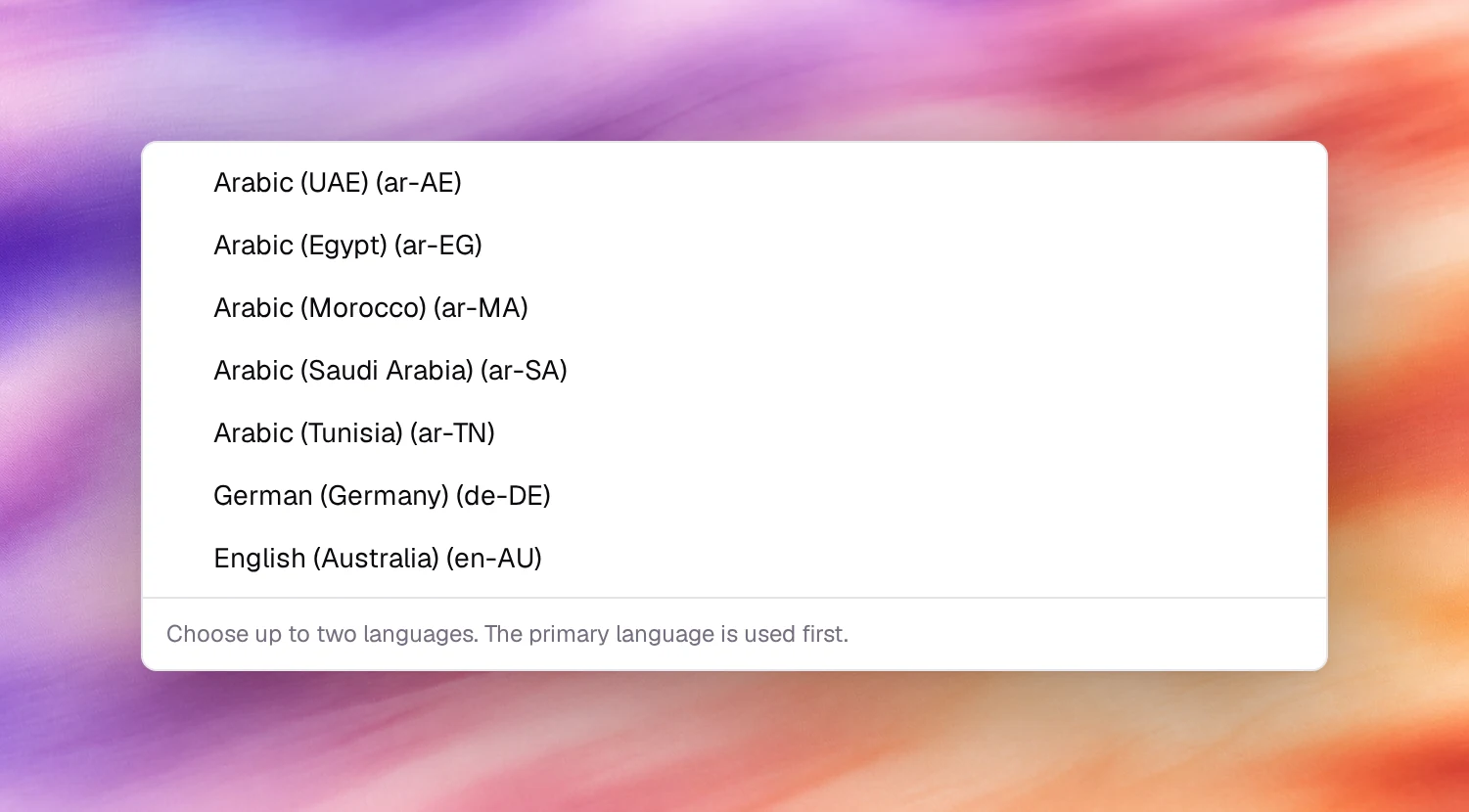
Available languages
| Language | Locales |
|---|---|
| Arabic | UAE (ar-AE), Egypt (ar-EG), Morocco (ar-MA), Saudi Arabia (ar-SA), Tunisia (ar-TN) |
| Chinese | Mandarin, Simplified (zh-CN) |
| Dutch | Netherlands (nl-NL) |
| English | Australia (en-AU), UK (en-GB), US (en-US) |
| French | Canada (fr-CA), France (fr-FR) |
| German | Germany (de-DE) |
| Hindi | India (hi-IN) |
| Italian | Italy (it-IT) |
| Japanese | Japan (ja-JP) |
| Korean | Korea (ko-KR) |
| Persian | Iran (fa-IR) |
| Polish | Poland (pl-PL) |
| Portuguese | Brazil (pt-BR), Portugal (pt-PT) |
| Russian | Russia (ru-RU) |
| Spanish | Spain (es-ES), Mexico (es-MX) |
| Turkish | Turkey (tr-TR) |
25 locales in total. The voice picker’s Language filter uses the same list.
Behaviour and limits
- Transcription follows the setting. A caller who speaks another language is transcribed as if they spoke the agent’s language, and the result is noise. Pick the language your callers use, not the one your team writes the prompt in.
- The prompt can be in any language. The model reads English instructions and answers in French if the identity says so and the voice supports it.
- Regional variants matter for voices more than for transcription:
fr-CAandfr-FRtranscribe alike but offer different voices. - Answering machine detection works in every language, whatever this setting; see Answering machine detection.
- A new agent created with Start from scratch has the language chosen in the wizard; a text agent may show Select language… until you pick one.
Verify
Start a call under Testing, Call, and speak a full sentence. The transcript on the right should read as you spoke it.
Troubleshooting
- The transcript is nonsense. The language does not match what was spoken. Change Language and pick a voice for it.
- No voices available for selected language. The voice list for that locale is empty. Choose a neighbouring locale with a Multilingual voice.