

Calling windows and retries
The schedule step of an outbound campaign: dates, daily call hours, days of the week, timezone, and how many times to call back a number that did not answer.
Voice agentsThe second step of the outbound wizard, Set when the campaign runs and how retries behave, decides when a contact’s phone is allowed to ring. Everything on it can be changed later in the Schedule section of the campaign’s Settings page, while the campaign is paused.
Fields
| Field | Default | Notes |
|---|---|---|
| Start Date | Today | The first day calls may go out. A future date leaves the campaign scheduled until then. |
| End Date (Optional) | Blank | The last day. Blank means the campaign runs until its list is exhausted or you stop it. |
| Call Time - From | 09:00 |
Start of the daily window. |
| Call Time - To | 17:00 |
End of the daily window. A call that is in progress at this time is not cut. |
| Days of Week | Tick each day calls are allowed. | |
| Timezone | Your browser’s | The zone the window is expressed in, with its offset, as in Europe/Paris (GMT+2). |
| Enable retry attempts | Off | Reveals Retry Configuration. |
Choosing the timezone
The window is one clock for the whole campaign. Set Timezone to where the
contacts are, not where you are: a 09:00 to 17:00 window in
America/Chicago rings a list of Texas numbers during their working day. The
campaign’s page shows the window in the campaign zone and, when your zone
differs, underneath converted to your local time, so the two can be checked
against each other.
A list that spans several zones is better split into one campaign per zone, on the same agent and number, with a tag per zone.
Retries
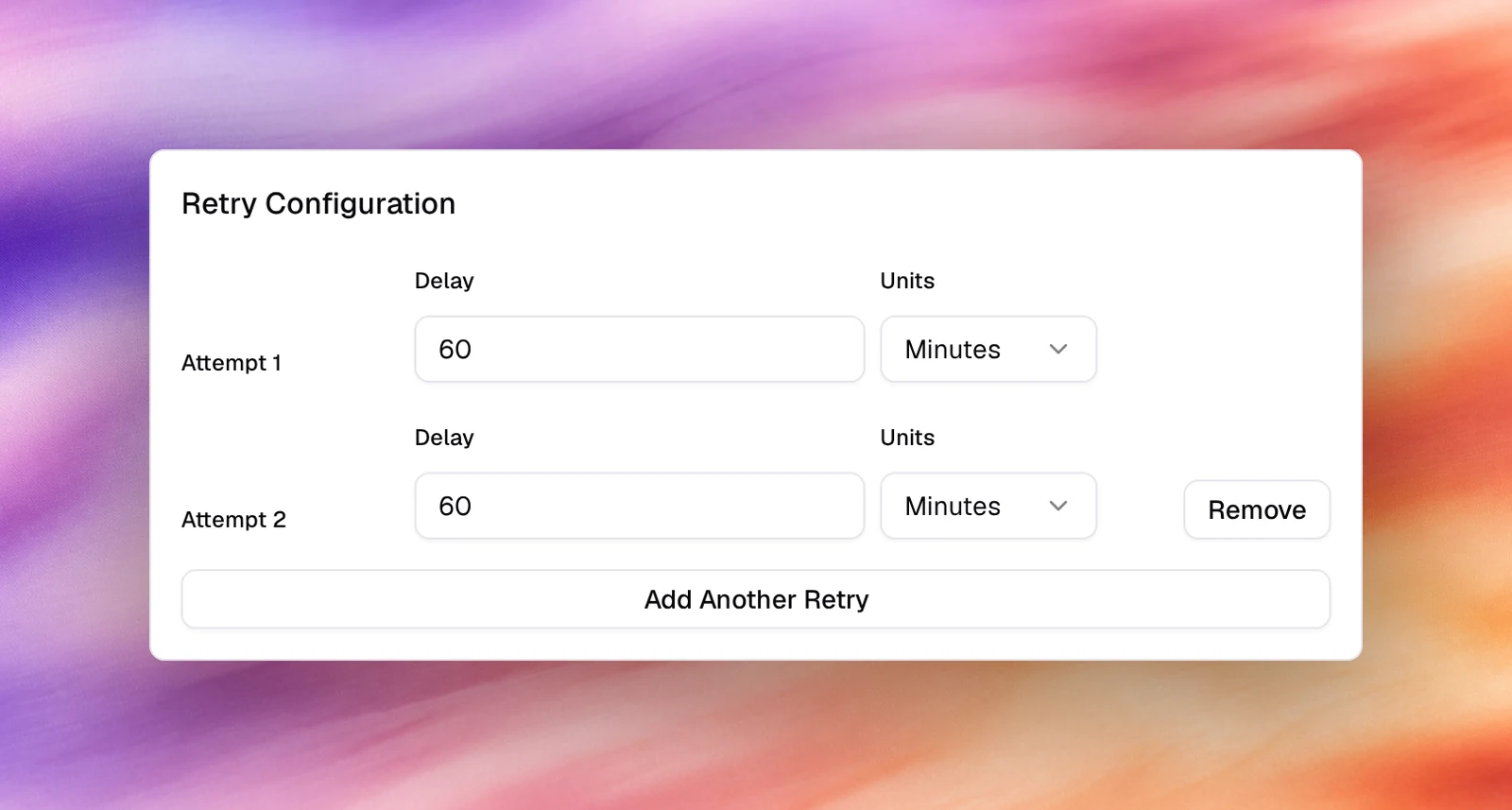
With Enable retry attempts on, Retry Configuration lists attempts. Each
has a Delay (60 by default) and Units (Seconds, Minutes, Hours or
Days; Minutes by default). Add Another Retry appends the next attempt. A contact whose call
ended without a conversation is called again after the delay, inside the window;
after the last attempt it is left alone.
Retries apply to calls that did not reach a person: busy, no answer, unreachable, and, when answering machine detection is on, voicemail. A call the agent held is not retried.
A sensible first policy is 2 attempts: 2 Hours, then 1 Days. Calling back in
minutes reaches the same voicemail.
Verify
- The campaign card under Launch AI Voice shows the window and zone, as in
9:00–17:00 Europe/Paris, orAnytimewhen no hours were set. - On the campaign’s page, Campaign configuration repeats Time Zone, Call Hours (with your local equivalent), Days of Week, Start Date and, when set, End Date.
- Outside the window the campaign holds and Total Calls stays flat; inside it the count moves.
Troubleshooting
- Nothing dials on the start date. Check that the day is ticked under Days of Week and that the current time falls inside Call Time in the campaign’s Timezone, not yours.
- A contact was called twice in a minute. The first retry’s Delay is in Seconds. Change the Units.
- Contacts who answered are being called again. They hung up before the agent spoke, so the call counted as unanswered. Check the agent’s first messageFirst messageWhat the agent says when it speaks first.See the glossary and who talks first.