

Bring your own Twilio number
Connect a phone number you already own in Twilio with its Account SID and Auth Token, so campaigns can call from it and answer on it.
Voice agentsBYOT Phone (bring your own Twilio) connects a number that lives in your Twilio account. Callab AI places and receives calls through Twilio on your behalf; the number, its billing and its compliance registration stay in Twilio.
Connect the number
Choose the type
Under Phone Numbers, choose Add Phone Number, then BYOT Phone.
Fill in Add Twilio Phone Number
Nickname is how the number appears in lists and campaign pickers. Phone
Number is the Twilio number with country code, as in +15555550100.
Twilio Account SID starts with AC; Twilio Auth Token is the token
from the same account.
Add
Choose Add. The number appears in the list with its provider.
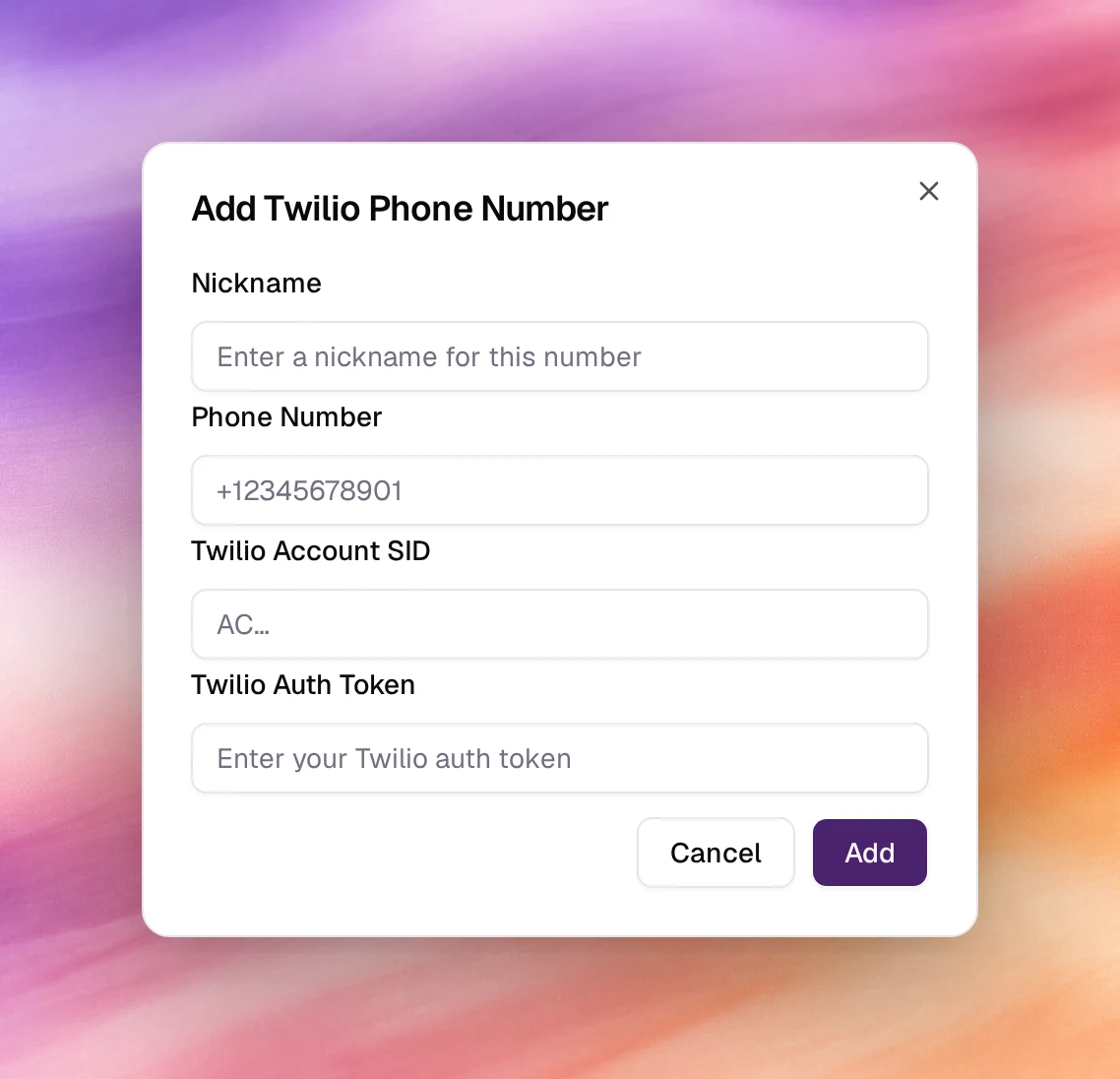
Fields
| Field | Notes |
|---|---|
| Nickname | Free text, up to 30 characters, shown wherever the number is listed. |
| Phone Number | E.164, with the leading +. Must exist in the Twilio account. |
| Twilio Account SID | AC followed by 32 hexadecimal characters, from the Twilio console. |
| Twilio Auth Token | The account’s auth token, at least 32 characters. Stored for placing and answering calls; not shown again. |
Behaviour and limits
- Outbound calls are placed through Twilio and billed by Twilio as usual; Callab AI bills the agent’s minutes. See Billing.
- Inbound calls reach the agent once an inbound campaign is running on the number.
- Rotating the Auth Token in Twilio breaks the connection until you update it here. Open the number’s page and choose Edit; Edit Twilio Phone Number opens with the token field empty. Enter the new token and choose Update.
- The Transfer Call tool can transfer through Twilio for calls on this number.
Verify
- The number is listed under Phone Numbers with Status
active. - Create a campaign on it and place one test call. The call shows in Call Logs and in the Twilio console’s call log at the same time.
Troubleshooting
- Add fails. The SID and token do not belong to the same account, or the number is not on that account. Copy both from the console page of the account that lists the number.
- The number rings but the agent does not answer. No inbound campaign is running on it. Check Launch AI Voice.