

Other systems
Salesforce, Zendesk, Cal.com, Twilio, ServiceNow, Genesys and Amazon Connect appear in the Connect a CRM dialog, enabled per account by support.
Seven systems in the Connect a CRM dialog carry Contact Support instead of Connect. They are integrated on request, per account, rather than by an OAuth sign-in you complete yourself.
| System | Category | As described in the dialog |
|---|---|---|
| Salesforce | CRM | CRM and customer success platform |
| Zendesk | Helpdesk | Customer support platform |
| Cal.com | Scheduling | Open-source scheduling and calendar platform |
| Twilio | Communication | Programmable Voice and SMS |
| ServiceNow | Helpdesk | IT service management |
| Genesys | Contact Center | Cloud-based contact center platform |
| Amazon Connect | Contact Center | Cloud-based contact center service |
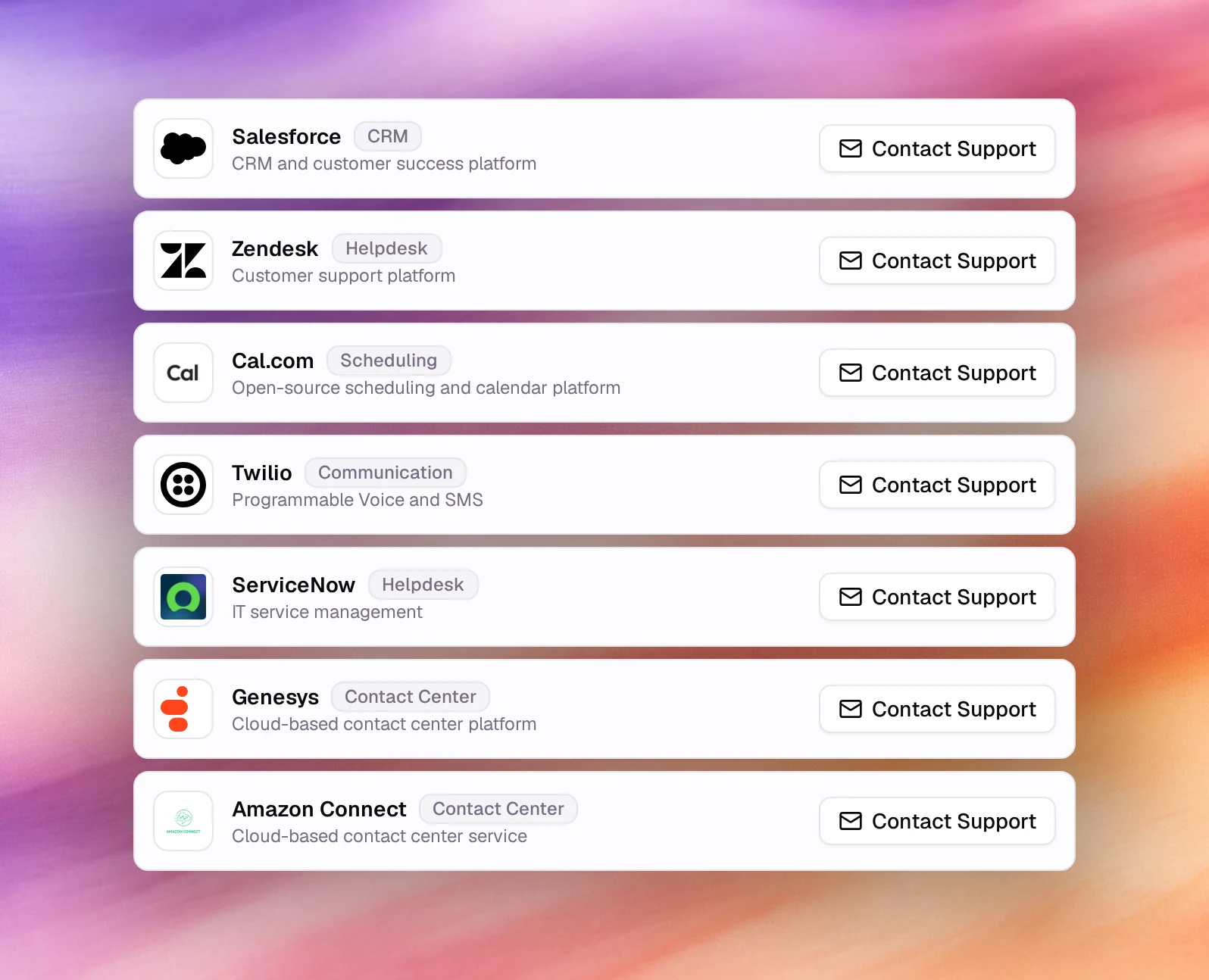
Choose Contact Support on the card to start the request: it opens a new email to support in your mail app, with the system’s name in the subject. Mention which workspace and what you need it for: bringing records in, pushing them out, or tools for the agent.
Two of these are reachable without a connection:
- Cal.com is available today as an agent tool that books appointments with an API key. See Cal.com tool.
- Twilio is available as a phone number source: bring your own Twilio number under Phone Numbers. See BYOT (Twilio).
Anything else can be reached from a custom automation or webhook against the system’s API, using Start from Scratch with the key stored as a predefined variable. See Automations.