Profile
Your name, phone number and email, plus the theme and display language the app uses for you. Settings > Profile.
Profile is the first page under Settings, in the Account group of the settings sidebar. Everything on it applies to you only; the company’s details live under General.
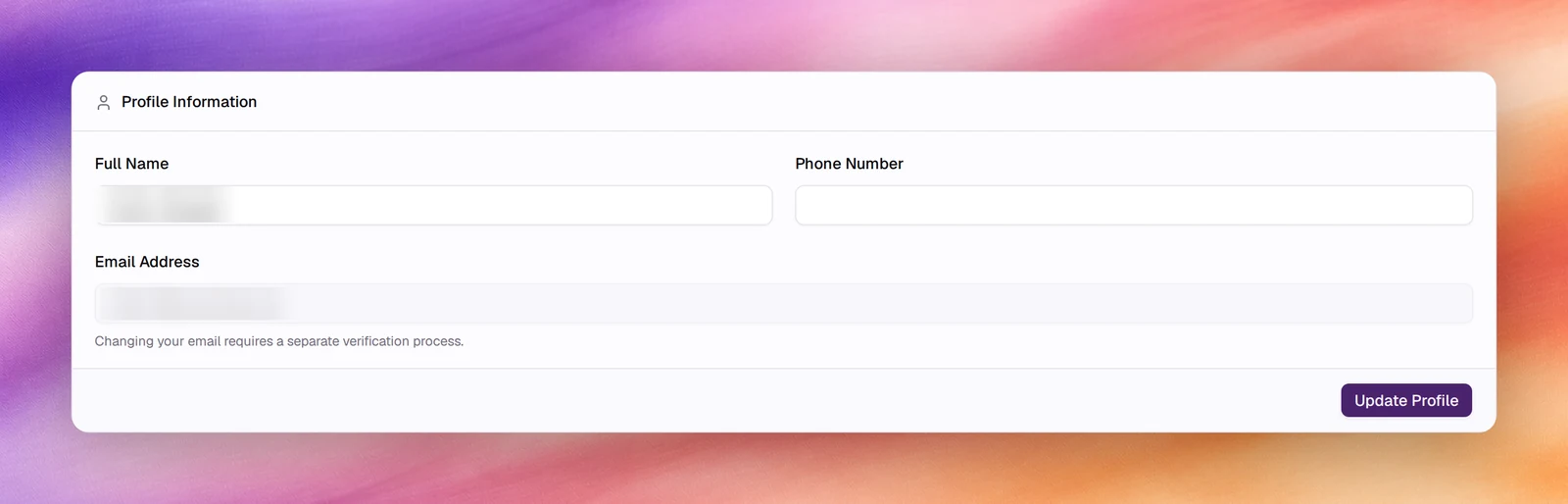
Profile Information
| Field | What it holds | Notes |
|---|---|---|
| Full Name | The name shown to other members, for example on the Members list. | Editable. |
| Phone Number | A contact number for your account. | Optional. |
| Email Address | The address you sign in with. | Read-only. The app states that changing your email requires a separate verification process; ask support. |
Choose Update Profile to save the first two fields.
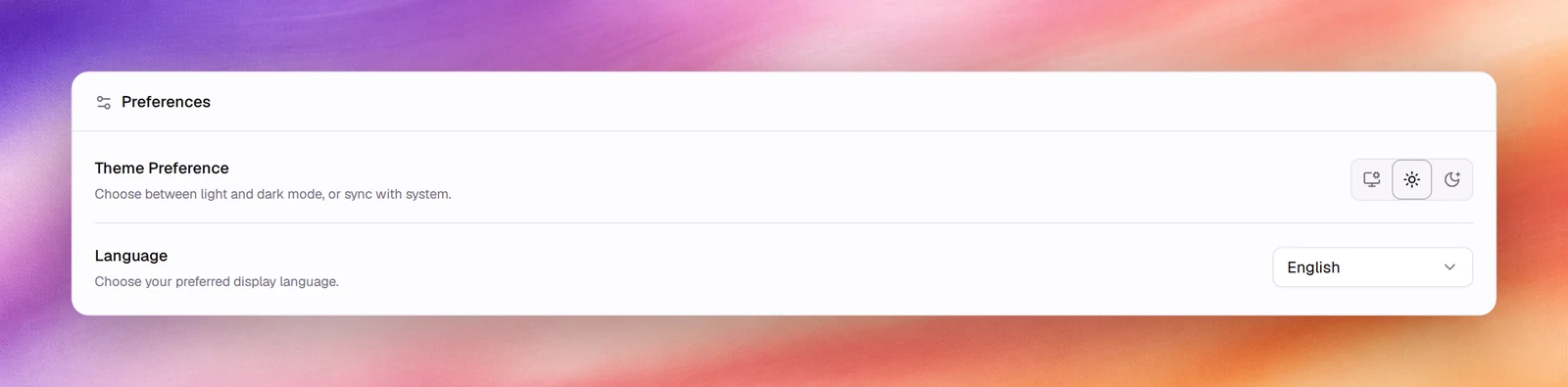
Preferences
Theme Preference switches the dashboard between System, Light and Dark. System follows your operating system. The choice is saved as you click it; there is no save button for this card.
Language sets your display language for the dashboard. It does not change the language any agent speaks: that is the agent’s own Language under its Settings, covered in Languages.