

Background audio
Play an ambient soundscape behind the agent's voice so a call sounds like it comes from a place: the Background audio setting and its six options.
Voice agentsBackground audio in the General card of Settings mixes an ambient sound under the agent’s voice for the whole call. It makes a synthetic voice sound situated, like a person in an office or a call centre, and covers the silence while the agent thinks.
Configuring it
- Open the agent on Settings.
- In General, open Background audio.
- Choose Preview next to an option to hear it, then click the option.
- Save.
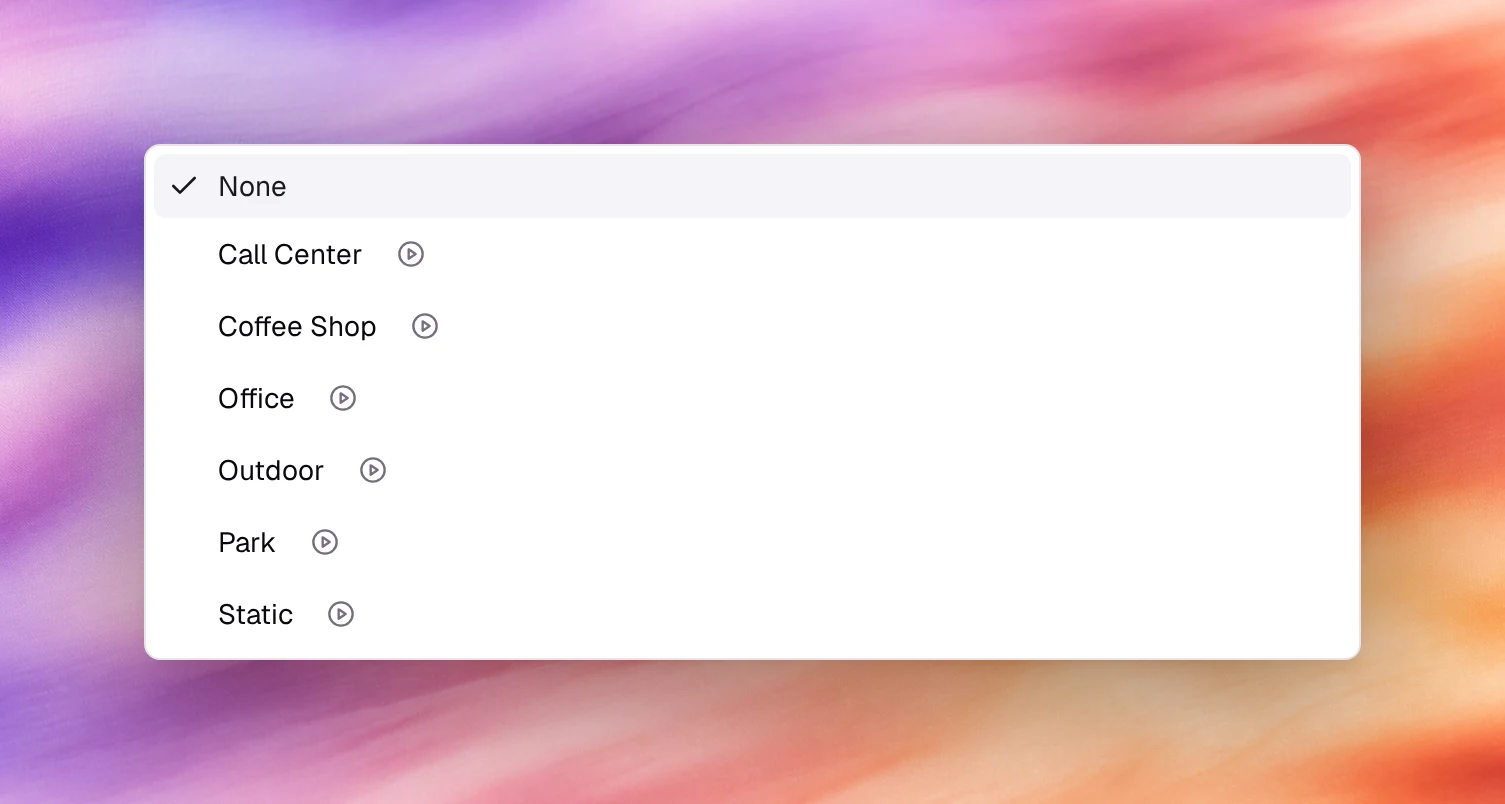
Options
| Option | Sounds like | Use for |
|---|---|---|
| None | Silence between turns | Default. Recorded lines, quality review |
| Call Center | Distant keyboards and other agents | Support and sales lines |
| Coffee Shop | Cups, murmur | Casual brands, appointment reminders |
| Office | Quiet room tone | Reception, professional services |
| Outdoor | Open air, traffic | Field services |
| Park | Birds, wind | Leisure and hospitality |
| Static | Faint line noise | Making a very clean voice sound like a phone |
Behaviour and limits
- The audio is mixed on the agent’s side and sent to the caller; it is not heard by the agent’s speech recognition and does not affect noise suppression, which works on the caller’s audio.
- It is present in recordings under Call Logs.
- There is no volume control; pick the soundscape by how loud it is in the preview.
- It plays for the whole call, including the first messageFirst messageWhat the agent says when it speaks first.See the glossary and during transfers until the call leaves the agent.
Verify
Start a call under Testing, Call. The soundscape is audible under the first message and in the gaps between turns.