

Deploy to WhatsApp
Answer a WhatsApp Business number with a text agent through the Meta Cloud API: create the deployment, then connect the number id and token.
Text agentsA WhatsApp deployment replies on a WhatsApp Business number through the Meta Cloud API. Customers message the number; the agent answers, and each number that writes in is one conversation.
Create the deployment
Start the wizard
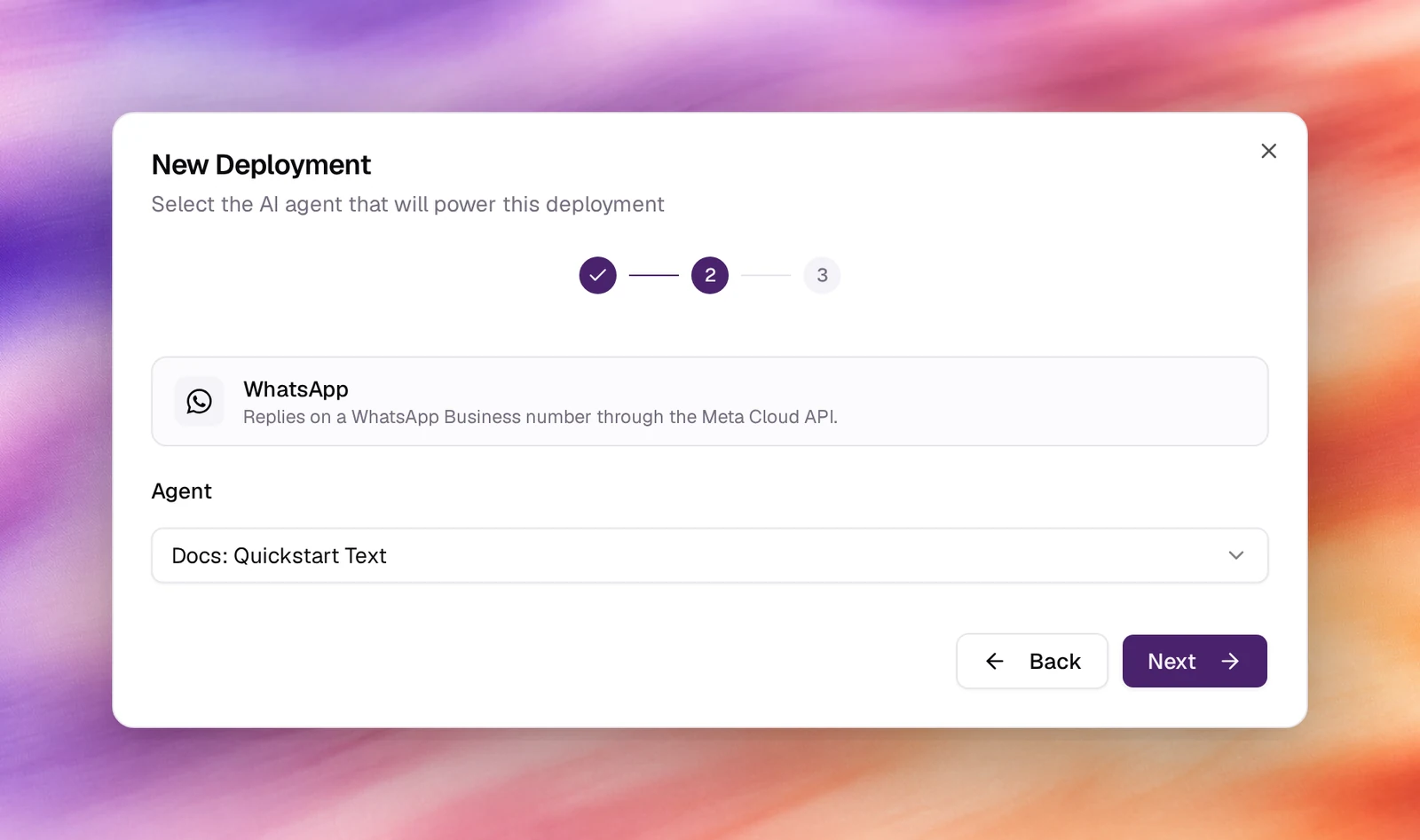
Under Launch AI Text choose New Deployment, then WhatsApp. Picking it moves the wizard straight on to the agent.
Pick the agent
Choose the text agent under Agent. Next.
Name it
Accept or edit the Display Name, then Create Deployment. The deployment is listed as Needs setup with a Webhook URL.
Connect WhatsApp
Open the deployment and enter what the Meta app provides: the phone number
id, a permanent access token for a system user with the
whatsapp_business_messaging permission, and a verify token of your choice.
In the Meta app’s WhatsApp configuration, set the webhook callback URL to the
deployment’s Webhook URL, paste the same verify token, and subscribe to the
messages field.
Behaviour and limits
- WhatsApp only lets a business reply within 24 hours of the customer’s last message; outside that window a reply needs an approved template. The agent answers inbound messages, which are always inside the window.
- A number in test mode can only message the recipients you list in the Meta app. Go through Meta’s business verification before opening it to customers.
Verify
- The deployment shows Active.
- Message the number from a phone. The agent replies and the exchange is listed
under Conversations with the platform
whatsapp.
Troubleshooting
- Meta cannot verify the callback URL. The verify token in Meta and in the deployment differ, or the deployment was not saved first.
- Messages arrive but replies fail. The access token expired (temporary tokens last 24 hours) or lacks the messaging permission. Use a system-user token.
- Only some phones get replies. The number is still in test mode with a recipient list.