

Choosing a modality
Voice or text: what each modality can do, where it can be deployed, and why the choice is made once, at creation.
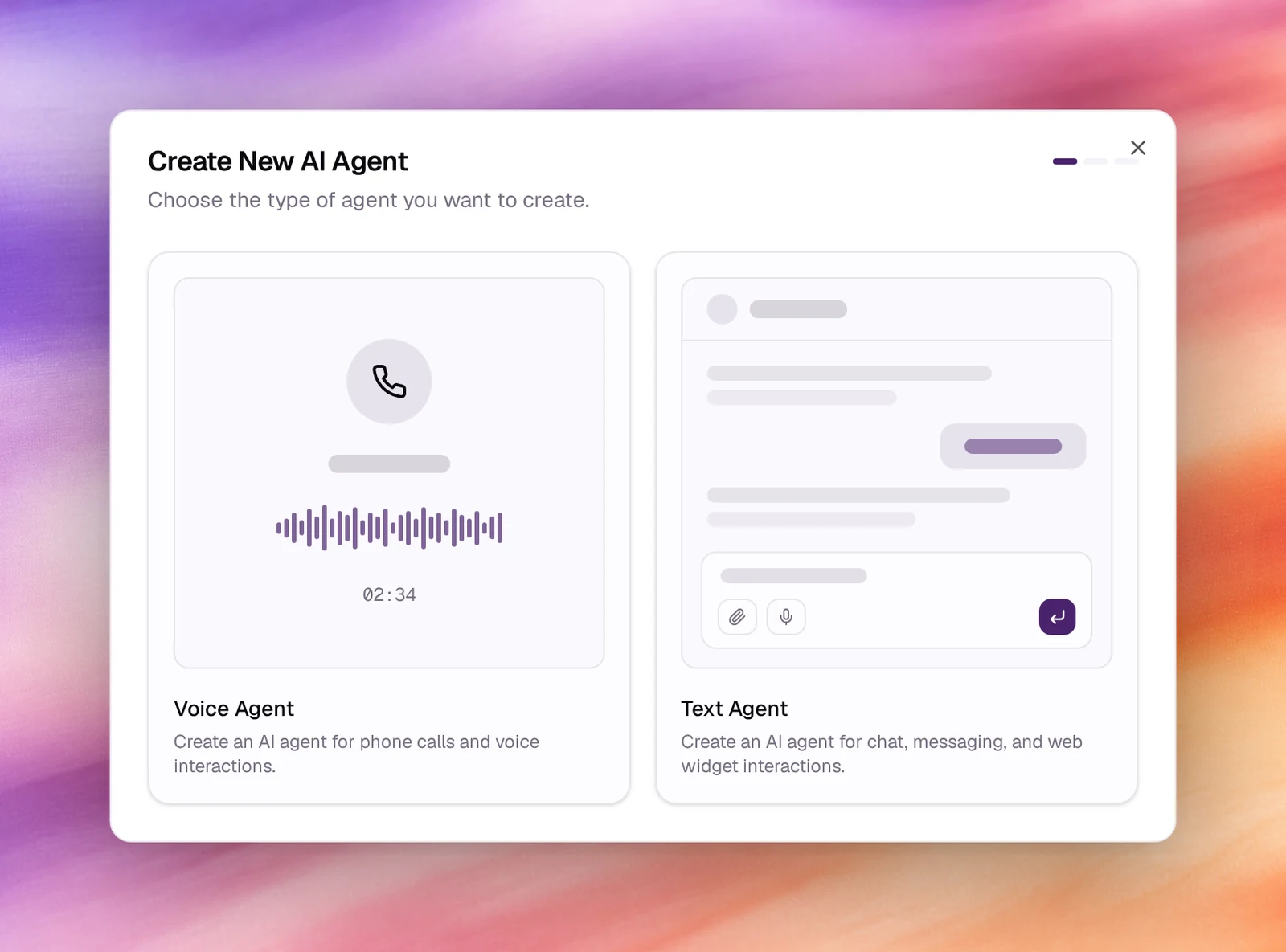
An agent is either a Voice Agent or a Text Agent. You choose on the first screen of Create Agent, and the choice cannot be changed afterwards: the two kinds have different settings, different tests and different channels.
Voice agents
For phone calls and voice interactions. A voice agent has a language, a voice and optional background audioBackground audioAn ambient sound played under the agent's voice, such as a call-centre room tone, so the call sounds like a place rather than a vacuum.See the glossary, a first messageFirst messageWhat the agent says when it speaks first.See the glossary, its models under Model controls, and the whole speech pipeline under Advanced. It is tested with Call, and reaches people through phone numbers, campaigns and the web call widget.
Text agents
For chat, messaging and web widget interactions. A text agent has a language and a Model (the LLM that answers) instead of a voice, and no speech pipeline. It is tested with Chat and reaches people through bot deployments to Slack, Telegram, Microsoft Teams, WhatsApp and Discord, and the chat widget.
Side by side
| Voice agent | Text agent | |
|---|---|---|
| Chosen in the wizard as | Voice Agent | Text Agent |
| Answers with | A voice from the voice picker | A model from the Model picker |
| First message | Who talks first and First message | The person writes first |
| Speech pipeline | Voice activity, turn detection, noise reduction, AMD, reminders | None |
| Tests | Call | Chat |
| Channels | Phone numbers, campaigns, call widget | Bot deployments, chat widget |
| Records | Calls under Call Logs | Conversations under Conversations |
| Privacy | Retention, PII redaction, storage destination, memory | The same |
Both modalities share the prompt fields, tools, dynamic variablesDynamic variableA placeholder in the prompt, such as {{customer_name}}, filled per conversation.See the glossary, outcomes, evaluations, the launch checklist and versions.
Which one
- Someone will dial a number or receive a call: voice.
- Someone will type in Slack, Teams, WhatsApp, Telegram, Discord or a chat bubble on a web page: text.
- You want the same assistant in both places: two agents, one prompt.