

Share an agent by link
Make an agent public and send a link to a hosted page where anyone can talk to it, without a website or an embed.
Share gives an agent a public page: /agents/try/<id> for a voice agent,
titled Web Call, and /agents/text/try/<id> for a text agent. Anyone with the
link can talk to the agent from their browser. It is the quickest
way to put an agent in front of a colleague, a client or a QR code.
Share it
Open Share
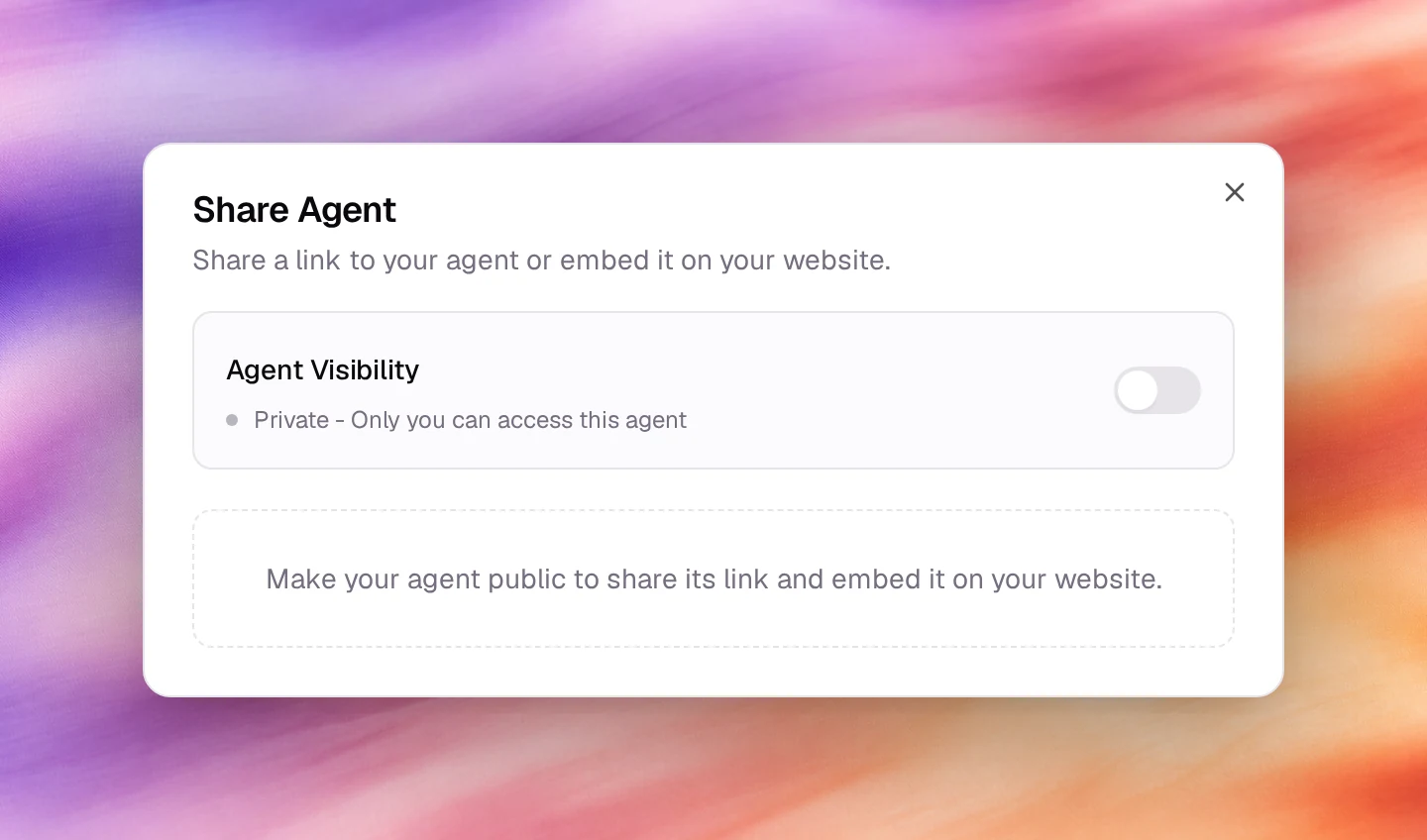
In the agent workspace header, choose the Share agent button, next to Save. The Share Agent dialog opens.
Make the agent public
Switch on Agent Visibility. The change is saved at once; the status line changes from Private - Only you can access this agent to Public - Anyone can access this agent.
Send the link
Direct Link now shows the page’s address. Copy link copies it and Test Link opens it in a new tab. The page opens with the agent’s name and a control to start the conversation.
Behaviour and limits
- Sharing and embedding use the same switch, in the same dialog: the Share
Agent dialog also carries the embed code.
Turning Agent Visibility off makes the link stop working with Access
Denied and the error code
not_public, and the widget stops answering. - The page runs the published version. Visitors do not see unsaved or unpublished changes.
- Calls and chats from the page are logged like any other, with
WEBas the caller’s number. - There is no password on the link. Treat it like any public URL: anyone who has it can spend the agent’s minutes.
Verify
- Open the link in a private window. The Web Call page loads instead of Access Denied, and a test conversation shows under Call Logs or Conversations.
Troubleshooting
- Access Denied, not_public. The agent is private again. Choose Share agent in the workspace header and switch on Agent Visibility.
- The microphone never activates. The visitor’s browser blocked it. Reload and allow the microphone when asked.