

Workspaces
Partition one company into workspaces that each hold their own agents, campaigns, contacts and phone numbers. Settings > Workspaces.
A workspace is a partition inside your company. Agents, campaigns, contacts and phone numbers belong to a workspace; members, billing, storage and the API key belong to the company and are shared by every workspace. Every company starts with a Default Workspace.
Create a workspace
Open the dialog
In Settings > Workspaces, choose New Workspace.
Name it
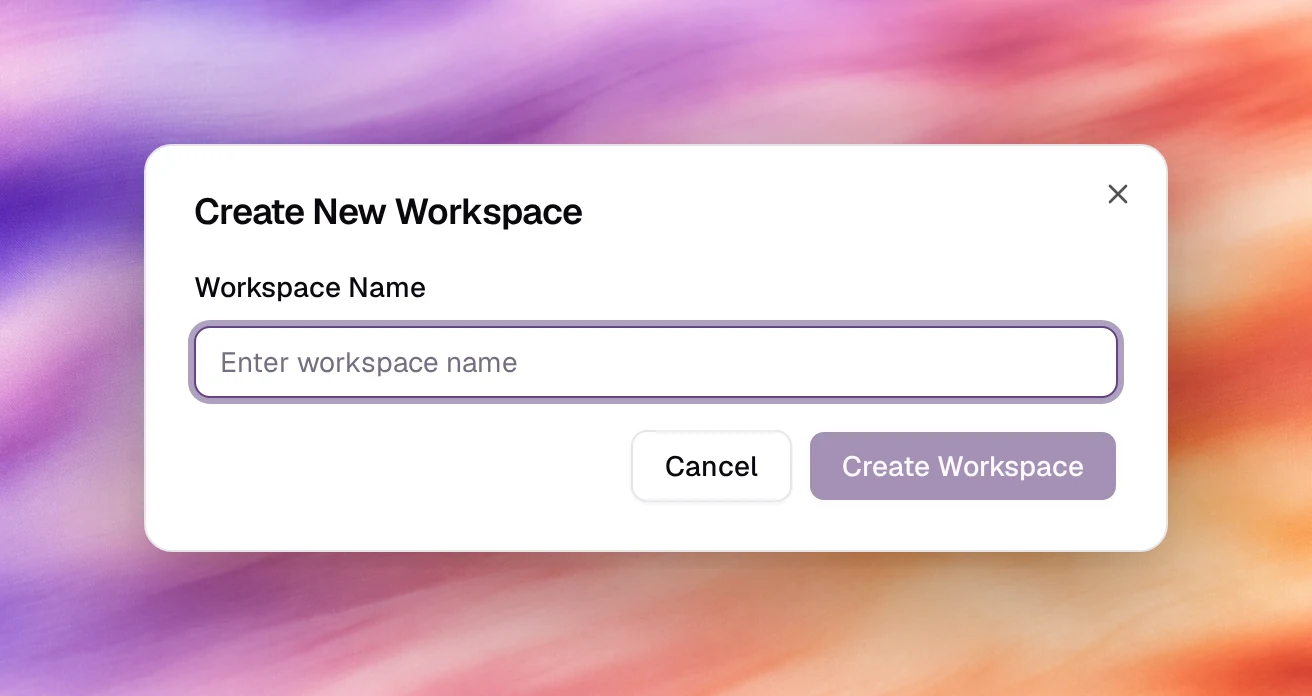
Type a Workspace Name. Create Workspace stays disabled until the name is filled in.
Create
Choose Create Workspace. The new workspace appears in the list with its identifier and creation date. The original one keeps the Default label.
If the plan’s allowance is used up, choosing Create Workspace opens Upgrade Workspace Limit instead: it offers the extra workspace as a one-time charge, and the workspace is created once that is paid.
To rename a workspace, choose Edit on its row, change the Workspace Name and choose Update Workspace. The Default Workspace cannot be renamed.
Switch workspace
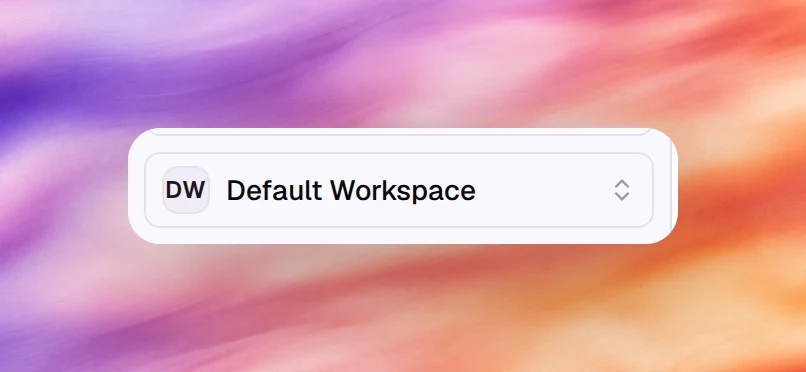
The current workspace is the button at the bottom of the main sidebar, under Balance. Choose it and pick another workspace. Every list in the dashboard (agents, campaigns, contacts, call logs, phone numbers) then shows that workspace’s objects.
Move a phone number between workspaces
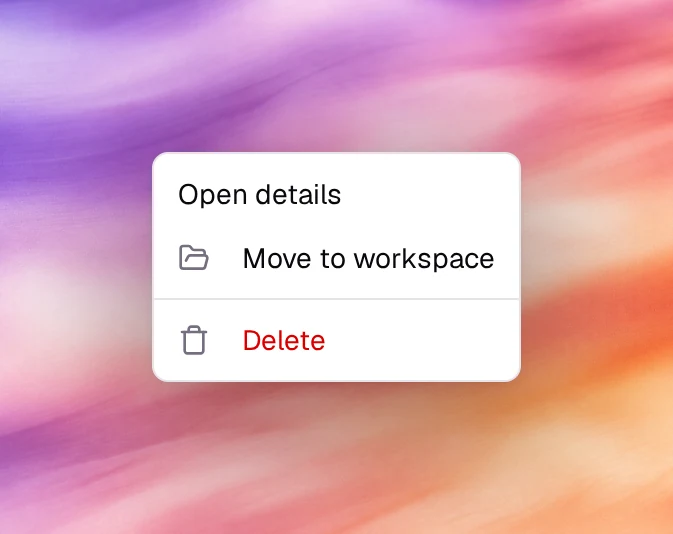
Phone numbers are created inside a workspace, but a number can be moved. On Phone Numbers, open the row’s actions menu and choose Move to workspace, then pick the destination. Campaigns in the old workspace that used the number need a new Outbound Phone Number.
Verify
- The workspace switcher lists the new workspace.
- After switching, AI Agents is empty: nothing has been created there yet.
Troubleshooting
- New Workspace is disabled. The subscription is not active. See Billing.
- Upgrade Workspace Limit opens when you create a workspace. The plan’s workspace allowance is used up; the counter next to the button shows what is left. Pay for the extra workspace, or change plan under Billing.
- An agent or number has disappeared. You are in a different workspace. Check the button at the bottom of the sidebar.